 ScreenBridge
ScreenBridge Features
Complete Capabilities Breakdown
Every feature that makes ScreenBridge the most powerful free Android screen mirroring and control tool available. No paywalls. No restrictions. Just professional-grade functionality.
Core Features
ScreenBridge delivers a comprehensive suite of tools for mirroring, controlling, and recording your Android device.
Screen Mirroring
Display your Android screen on your computer in high quality up to 1920x1080 or higher resolution with smooth frame rates from 30 to 120 FPS.
- Configurable resolution and bit-rate
- Adjustable frame rate limiting
- Crop and rotate display
- Turn screen off while mirroring
Audio Forwarding
Forward audio from your Android device to your computer speakers in real time. Perfect for gaming, presentations, and media consumption.
- Requires Android 11 or higher
- Audio duplication mode available
- Microphone as audio source
- Output buffer size control
Screen Recording
Record your Android screen directly to video files on your computer. No third-party software or additional apps needed.
- MP4 and MKV output formats
- H.264, H.265, and AV1 codecs
- Simultaneous mirroring and recording
- No watermark or time limits
Camera Mirroring
Use your Android phone camera as a webcam on your PC. Ideal for video calls, streaming, and content creation.
- Requires Android 12 or higher
- Front and back camera support
- V4L2 webcam sink on Linux
- High-resolution camera capture
Advanced Features
Power-user capabilities that set ScreenBridge apart from every other mirroring solution.
Virtual Display
Create a separate virtual display on your Android device, independent from the physical screen. Launch apps on this secondary display while using your phone normally.
Keyboard & Mouse Control
Full HID simulation for precise input. Type with your physical keyboard, navigate with your mouse, and use keyboard shortcuts for common actions.
Gamepad Support
Connect gamepad controllers to your computer and use them to control games running on your Android phone. Supports UHID gamepad emulation.
Wireless Connection
Mirror over TCP/IP after initial USB setup. Works across Wi-Fi networks and supports SSH tunneling for secure remote access.
OTG Mode
Control your device using keyboard and mouse without mirroring the screen. USB debugging is not required, making it perfect for locked or damaged screens.
Clipboard Sync
Copy and paste text between your computer and Android device in both directions seamlessly. Supports all Unicode characters and emojis.
Screenshots
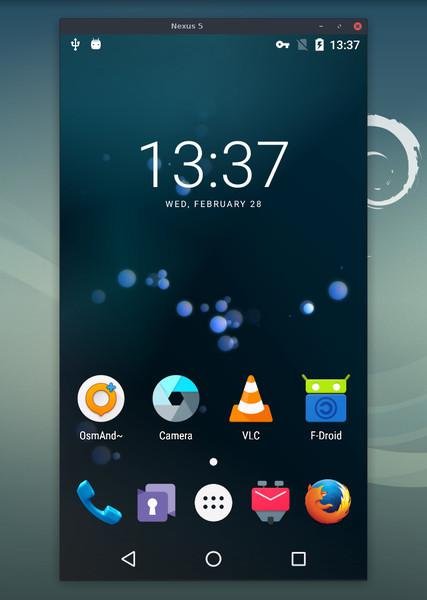
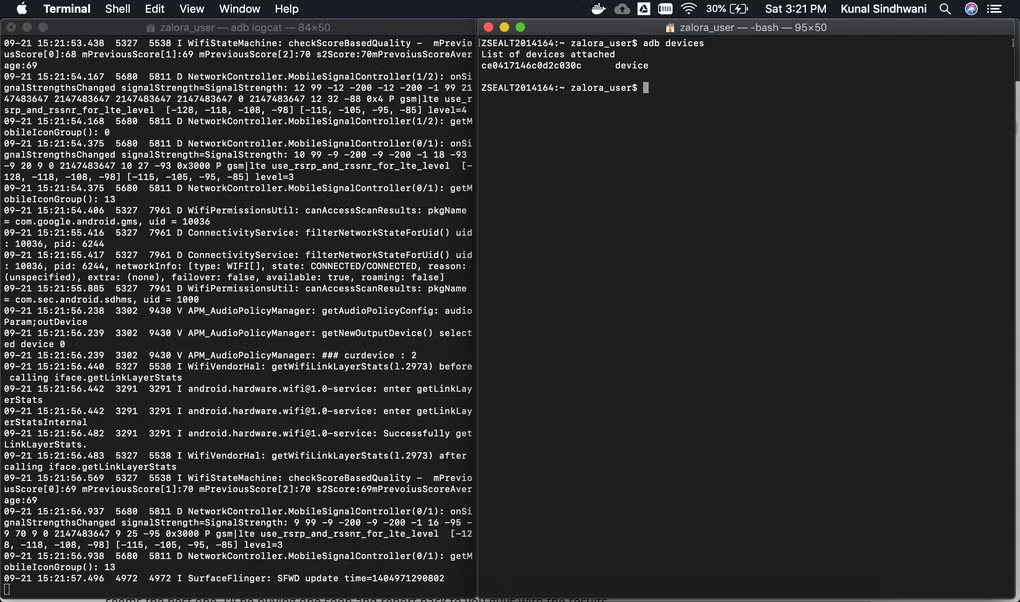
See ScreenBridge features in action. Click any image to enlarge.
More Capabilities
Additional tools and options that make ScreenBridge the complete Android control solution.
File Drop
Drag and drop files from your computer to your Android device. Files are pushed to the device storage instantly without any additional setup.
Configurable Quality
Fine-tune video codec, resolution, orientation, bit-rate, and frame rate to match your hardware capabilities and network conditions.
Multi-Device Support
Connect and switch between multiple Android devices from the same computer. Perfect for testing apps across different screen sizes and OS versions.
Window Configuration
Customize the mirroring window title, position, size, border, and behavior. Fullscreen mode, always-on-top, and borderless options available.